Course Overview
COURSE INTRODUCTION
Watch Course Introduction
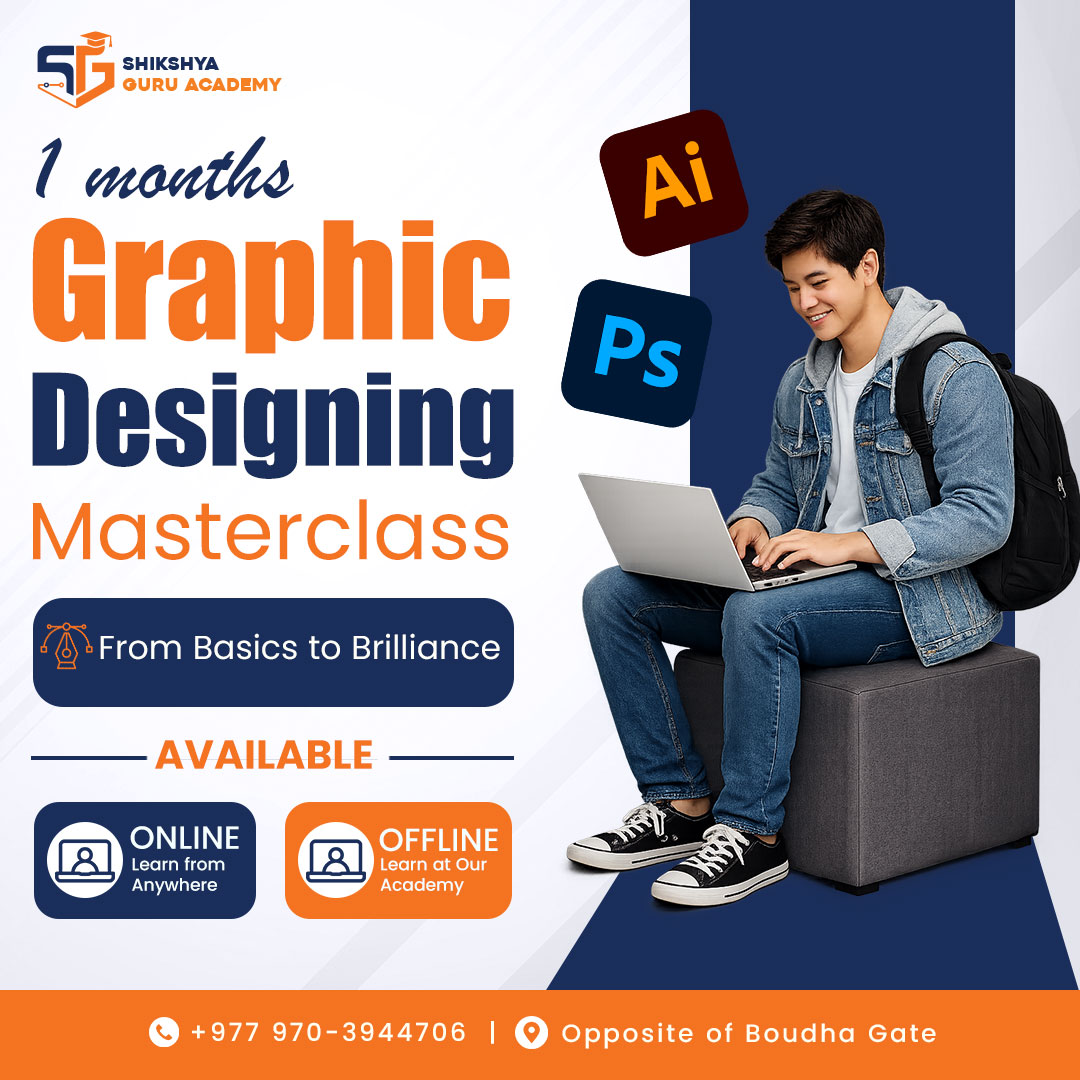
Kickstart your creative career with our hands-on Graphic Design Masterclass. Whether you are a complete beginner or looking to sharpen your skills, this course covers everything you need to become a professional designer. You will master industry-standard software—Adobe Photoshop, Illustrator, and InDesign—and learn essential design principles to create stunning visual concepts, brand identities, and marketing materials.
What You Will Learn
- Core Design Principles: Master color theory, typography, and foundational design techniques.
- Vector Illustration: Create scalable logos, icons, and vector art using Adobe Illustrator.
- Photo Manipulation: Edit, retouch, and composite images like a pro using Adobe Photoshop.
- Digital Marketing Assets: Design high-converting social media posts, web banners, and digital ads.
- Print Design & Layouts: Craft professional visiting cards, brochures, and multi-page layouts in Adobe InDesign.
- Brand Identity: Build complete, cohesive brand identities from scratch.
Course Syllabus
Module 1: Foundations of Graphic Design
- Introduction to Graphic Design and its industry applications
- Color Theory: Understanding the color wheel, psychology of color, and creating palettes
- Typography: Selecting fonts, pairing typefaces, and text alignment
- Design Principles: Balance, contrast, alignment, hierarchy, and whitespace
- Understanding raster vs. vector graphics
- RGB vs. CMYK color profiles (Digital vs. Print)
Module 2: Adobe Illustrator – Vector Graphics & Branding
- Introduction to the Illustrator workspace and tools
- Working with shapes, lines, and the Pen Tool
- Pathfinder, Shape Builder, and alignment tools
- Project 1: Designing custom icons and typography
- Project 2: Creating a professional Logo Design from scratch
- Project 3: Designing a print-ready Visiting Card / Business Card
- Exporting vector files for web and print
Module 3: Adobe Photoshop – Digital Assets & Photo Editing
- Introduction to the Photoshop workspace and layer management
- Mastering selection tools, masking, and non-destructive editing
- Color correction, retouching, and image manipulation
- Working with text, blending modes, and layer styles
- Project 4: Designing engaging Social Media Posts and Web Banners
- Project 5: Creating YouTube thumbnails and digital advertisements
- Creating smart objects and working with mockups to present your designs
Module 4: Adobe InDesign – Layout & Print Publishing
- Introduction to the InDesign workspace and master pages
- Working with grids, columns, and margins for structured layouts
- Importing text, formatting paragraphs, and linking images
- Project 6: Designing a corporate flyer or tri-fold brochure
- Project 7: Creating a multi-page document (e.g., a short magazine or company profile)
- Preparing files for commercial printing (bleed, margins, and packaging)
Module 5: Brand Designing & Portfolio Building
- What makes a strong brand identity?
- Creating brand guidelines (logo usage, color palettes, typography rules)
- Compiling your class projects into a professional portfolio
- Tips for finding freelance clients and pricing your design work
- Final Course Assessment / Capstone Project
Prerequisites
- Basic computer literacy.
- No prior design experience is required!