Course Overview
This curriculum is designed specifically for business professionals, accountants, educators, and students who want to move beyond basic spreadsheets and unlock the true analytical power of Excel.
Course Curriculum
Module 1: Excel Review & Productivity Tips
- Master essential shortcuts and productivity tricks to speed up your workflow.
- Navigate and manage multiple worksheets and workbooks efficiently.
- Apply advanced cell formatting and condition-based formatting to highlight key metrics.
Module 2: Advanced Formulas & Functions
- Logical Functions: IF, AND, OR, IFERROR, IFS.
- Lookup Functions: VLOOKUP, HLOOKUP, INDEX, MATCH, XLOOKUP.
- Text Functions: LEFT, RIGHT, MID, LEN, SUBSTITUTE, TEXTJOIN.
- Date & Time Functions: TODAY, NOW, EOMONTH, NETWORKDAYS.
- Dynamic Arrays: FILTER, UNIQUE, SORT, SEQUENCE.
Module 3: Data Validation & Protection
- Set up strict data validation rules to prevent data entry errors.
- Create dynamic dropdown lists and custom input messages.
- Secure your work by protecting sheets, workbooks, and specific ranges with passwords.
Module 4: Advanced Data Analysis (6 Hours)
- PivotTables & PivotCharts: Grouping, filtering, and creating calculated fields.
- Interactive Filtering: Implementing Slicers and Timelines.
- Summarization: Advanced data grouping and structuring techniques.
Module 5: Advanced Charting & Visualization (4 Hours)
- Create dynamic charts linked to named ranges and Excel tables.
- Build specialized visuals: Combo charts, thermometer charts, sparklines, and Gantt charts.
- Apply conditional formatting directly within your charts.
- Use form controls (buttons, scrollbars) to add interactivity to your visuals.
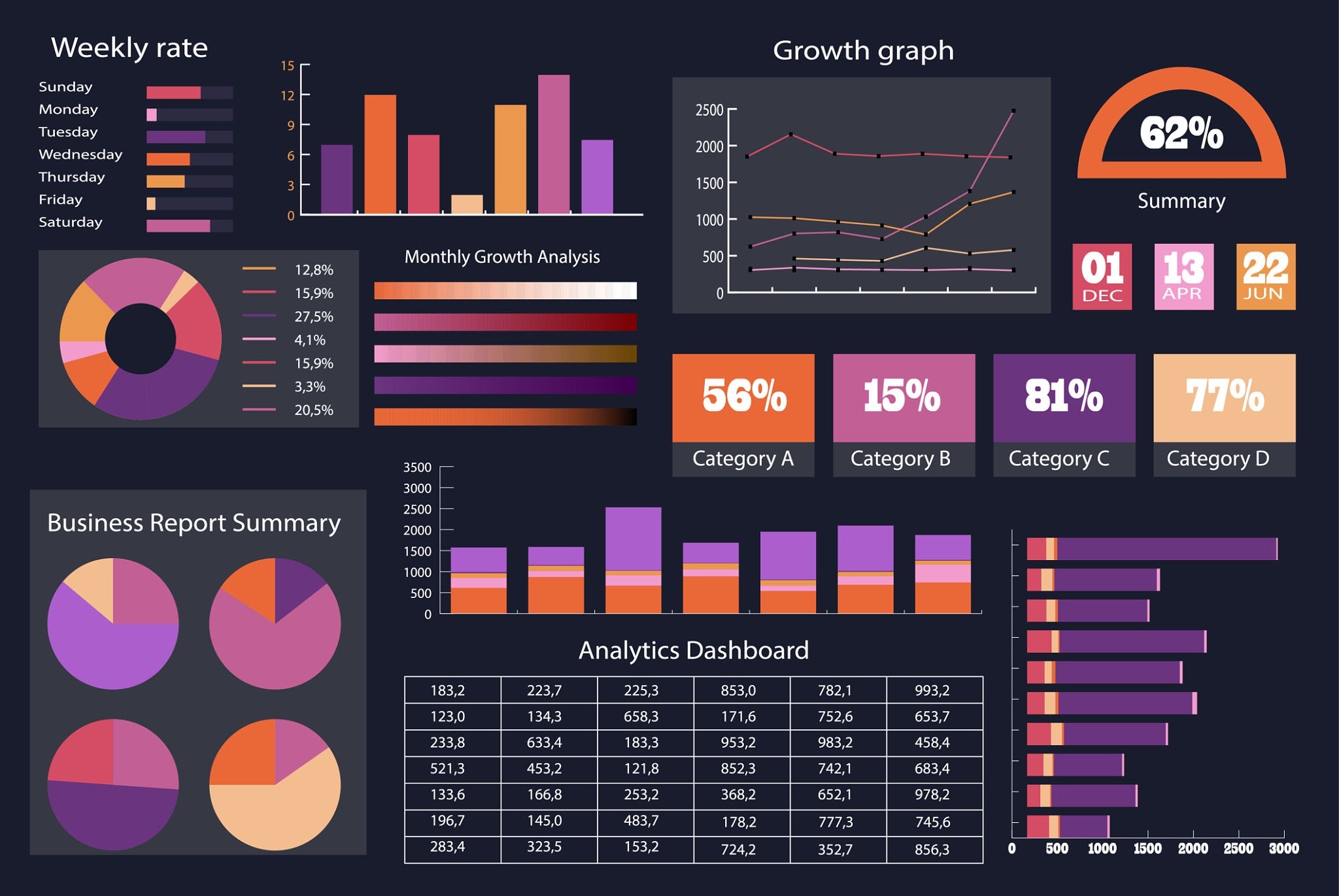
Module 6: Dashboards & Reporting (5 Hours)
- Learn the core principles of effective, user-friendly dashboard design.
- Combine charts, PivotTables, and Slicers into a single unified view.
- Link interactive controls (drop-downs, checkboxes) directly to complex formulas.
- Develop interactive, executive-ready reports for management.
What’s Included in This Course
- Practice Files & Datasets: Hands-on files to follow along with every lesson.
- Templates: Ready-to-use workbook examples for your own projects.
- Cheat Sheets: Quick-reference guides for complex functions and keyboard shortcuts.
- Certification: A verifiable Certificate of Completion upon passing the final assessment.